

A proper competitor analysis used to take a week of clicking through websites and copying notes into a spreadsheet. With Claude or ChatGPT, you can do a useful version in a few hours.
This guide walks you through five steps. At the end you will have a one-page summary of what your competitors offer, what their customers like and dislike, and where you can do better.
Step 1: Which Competitors Should You Research?
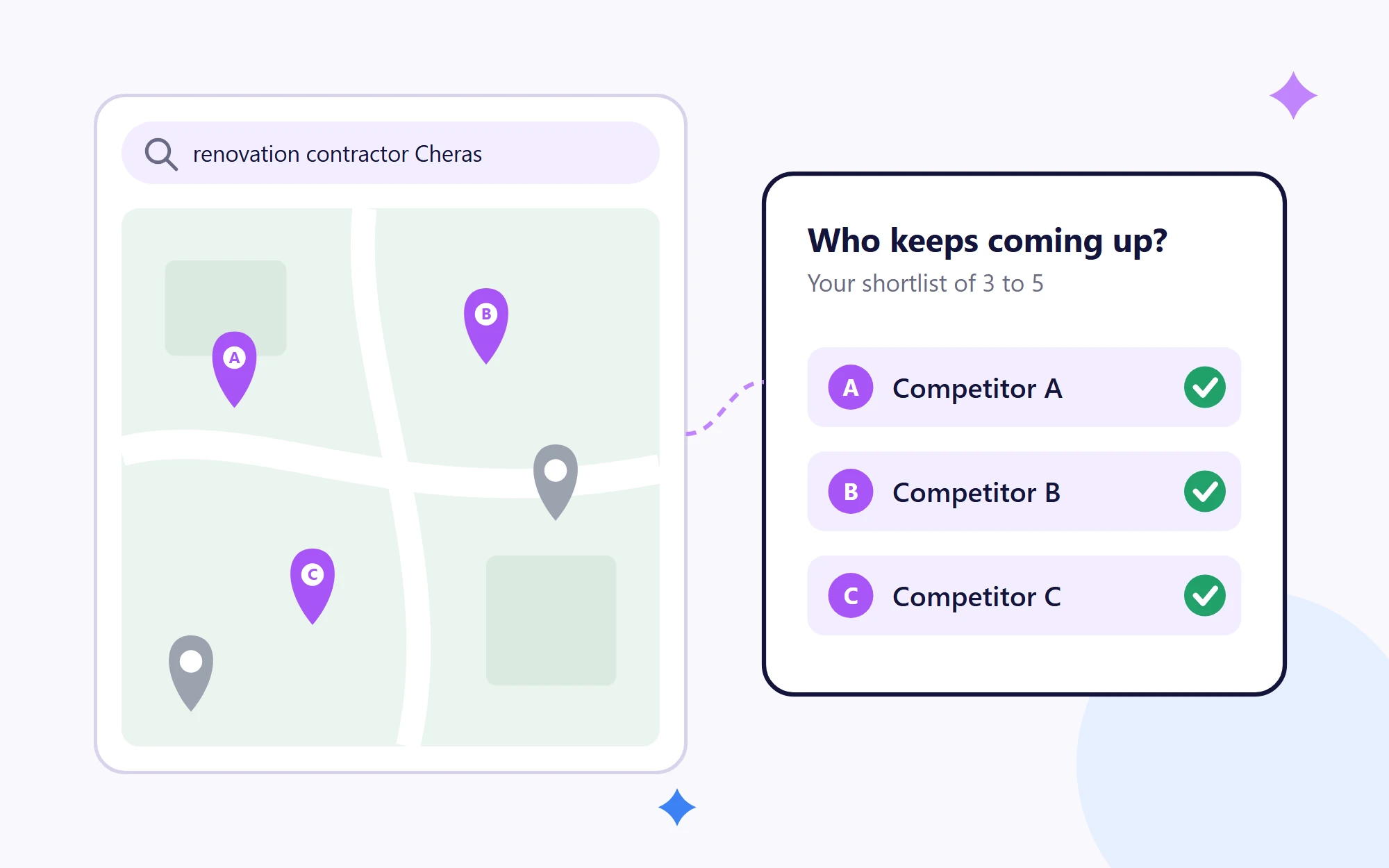
When identifying your competitors, pick 3 to 5 businesses your customers actually compare you with. They don’t always have to be the biggest names in your industry. A renovation contractor in Cheras competes with other contractors in Cheras, not with a national chain.
To find them, search for your main service on Google and Google Maps the way a customer would, and note which businesses keep coming up. Then ask ChatGPT or Gemini “Which companies are best for [your service] in [your area]?” and add any names you missed.
Step 2: How Do You Get the AI to Find Their Pages?
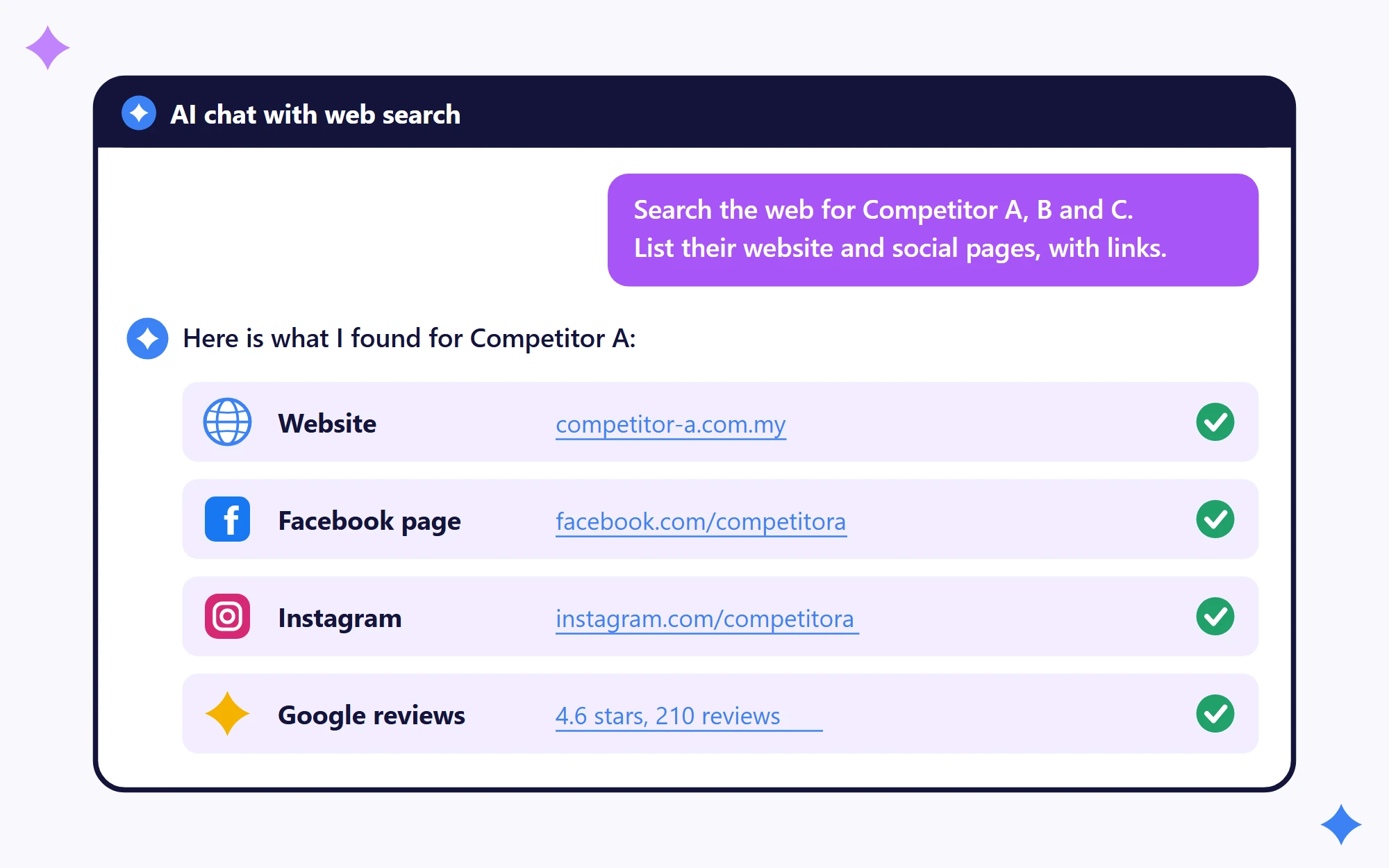
Give the AI the competitor names from Step 1 and ask it to search the web for them. ChatGPT can search the web and show the links it used, and so can Claude with web search turned on.
Copy this prompt and fill in the brackets:
Search the web for these competitors of my business: [competitor names], which offer [your service] in [your area]. For each one, list their website, their social media pages and their Google Business Profile, with a link for each.
For each competitor, you want the AI to find:
- Their website, including their service pages and any page that shows prices.
- Their social media pages, such as Facebook, Instagram, TikTok or LinkedIn.
- Their Google reviews, both good and bad.
Open a few of the links it gives you. Businesses with similar names are easy to mix up, so if a link goes to the wrong business or a page that no longer exists, tell the AI and ask it to search again.
AI tools often can’t see everything on social media or in ads, and sometimes they need further integrations. To see a competitor’s current ads, search for them yourself in Google’s Ads Transparency Center and Meta’s Ad Library.
Step 3: How Do You Ask the AI to Compare Them?
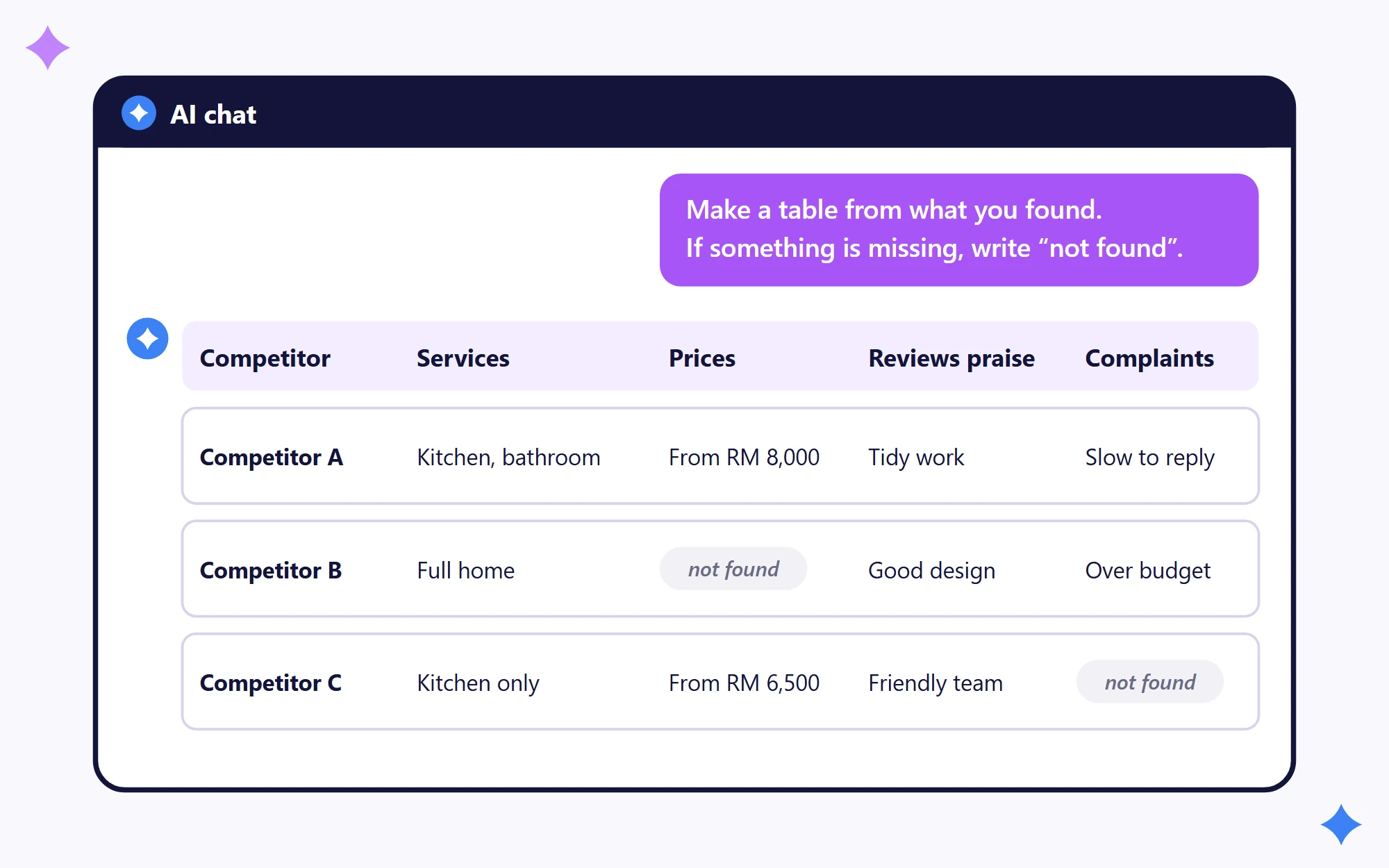
Ask for a table first. A table makes gaps easy to spot and mistakes easy to check. Copy this prompt and fill in the brackets:
Using the websites, social media pages and Google reviews you found, make a table with one row per competitor and these columns: services offered, prices (only if stated on their pages), the main promise on their website or social pages, what reviews praise, and what reviews complain about. Add the link you used for each fact. If you can’t find something, write “not found”. Do not guess.
The last three sentences matter most. Without them, the AI tends to fill empty cells with something that sounds right, and you have no way to check where it came from.
Once you have the table, ask follow-up questions one at a time:
- Which complaints come up for more than one competitor?
- What does every competitor promise, and what does none of them mention?
- Which customer questions do none of their pages answer?
Step 4: How Do You Check the AI’s Work?
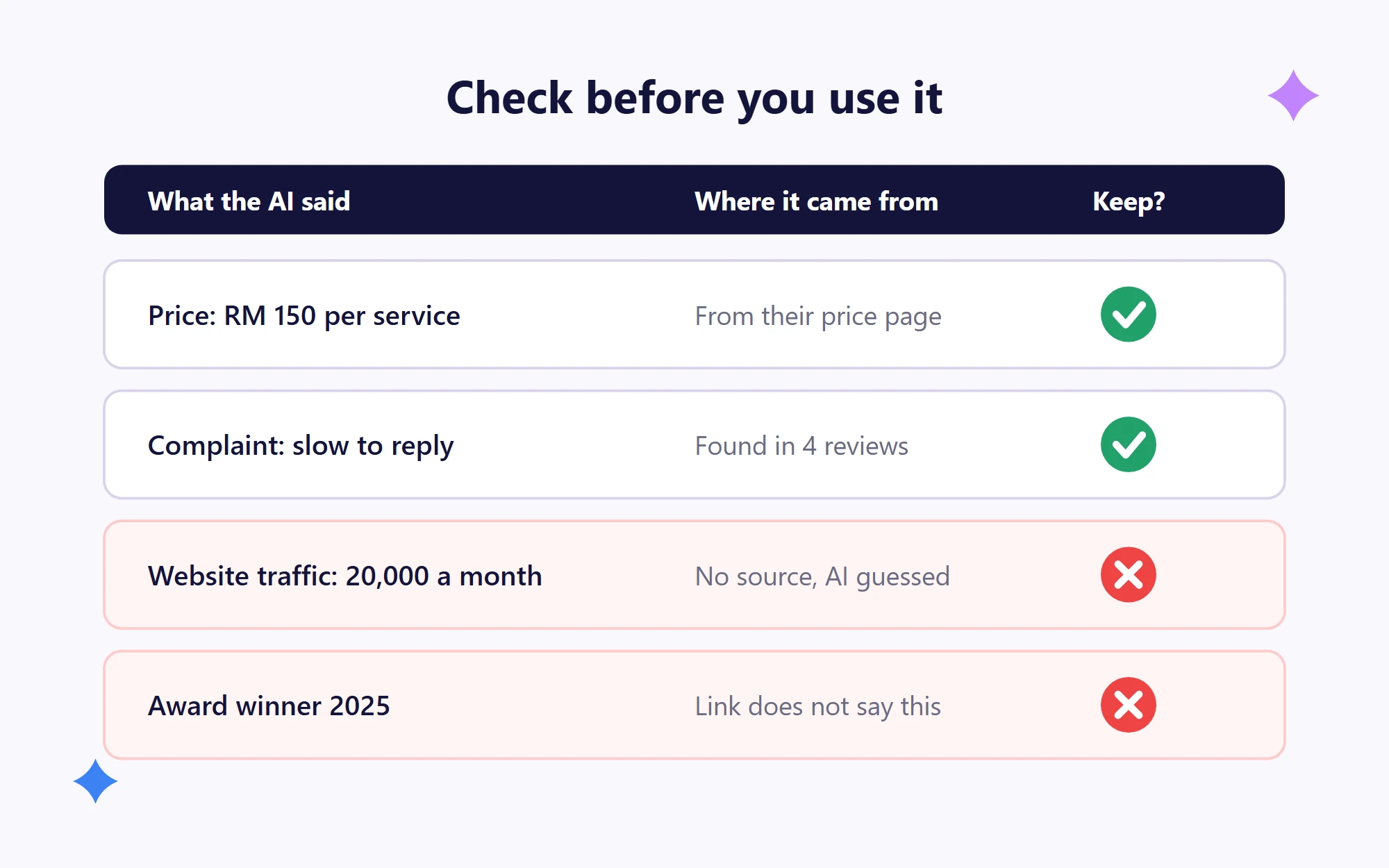
Check every price and claim against its source before you use it. It takes about 20 minutes and stops a wrong number from ending up in your next meeting.
- Every price must come with a link to the competitor’s own page. Delete anything without one.
- Delete any website traffic or sales figures. AI tools cannot see a competitor’s traffic or sales, so those numbers are guesses.
- Open two of the links it gave you and make sure they say what the AI claims.
- Pick three complaints from the table and find them in the original reviews.
Step 5: How Do You Turn It Into a One-Page Summary?
The table from Step 3 has a lot of detail. The last step is to turn it into one short page your team can read in two minutes and act on.
Ask the AI:
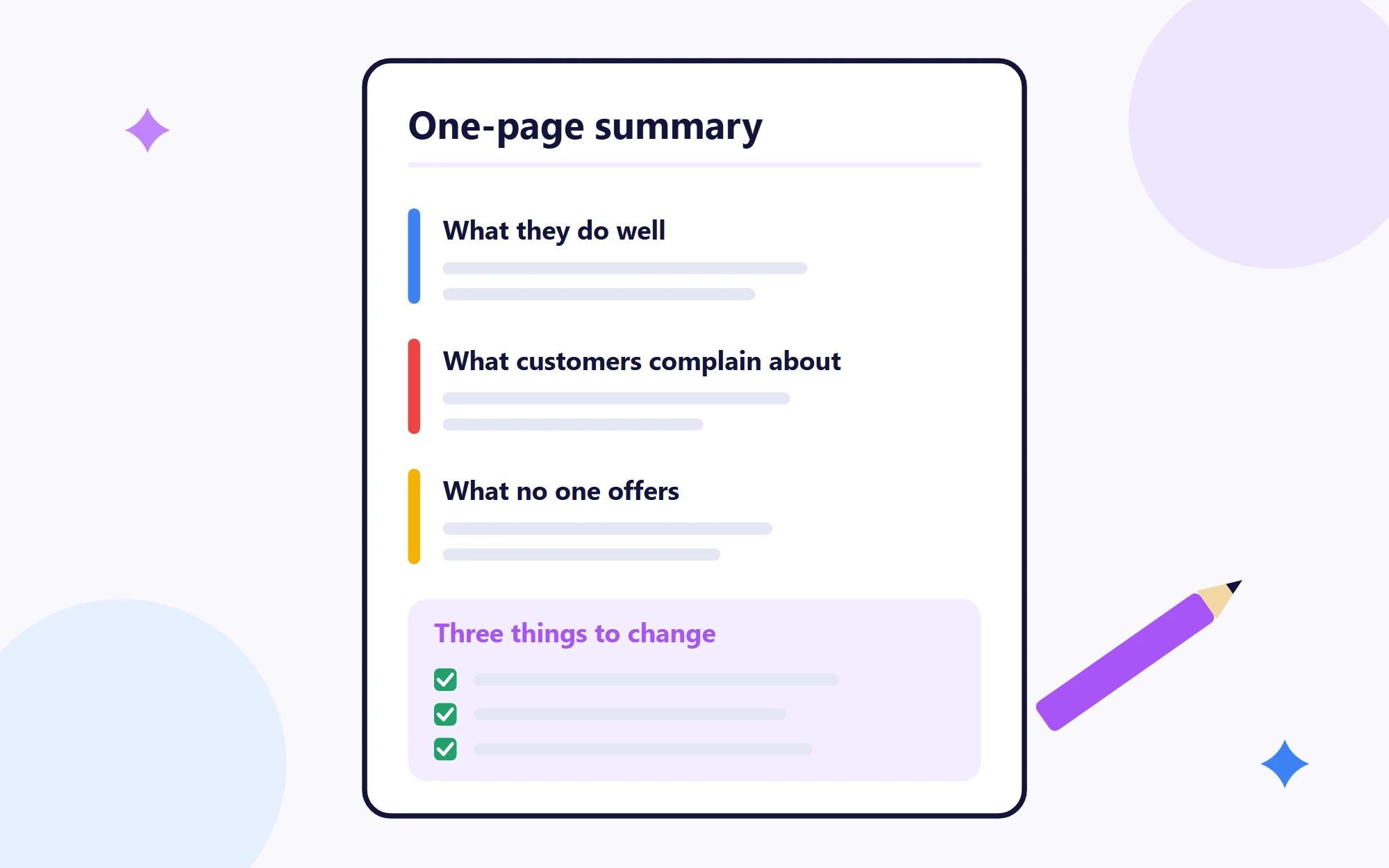
Using the table, write a one-page summary with four parts: what each competitor does well, what their customers complain about, what none of them offer, and three things we should change.
Then read it through and fix anything that doesn’t sound right.
A good summary answers four questions:
- What does each competitor do well? One line each. For example: “Competitor A replies quickly on WhatsApp.”
- What do their customers complain about? Look for complaints that come up again and again, such as “late to start the job”.
- What is nobody offering? A service, an answer or a type of customer none of them cover, such as “no one shows prices on their website”.
- What three things will we change? Each one should be small and clear enough to start next week.
The last question is the most useful one. “Improve our website” is too vague for the AI tool to act on. Try something like “Show our prices on the homepage, because none of our competitors do and customers keep asking”, so it knows exactly where to change.
Which Competitors Do AI Tools Recommend?
Your customers ask AI tools for recommendations too, so check which competitors those tools name. Ask ChatGPT and Gemini the questions your customers ask, such as “best [your service] in [your area]”, and write down every business they mention.
If one competitor is named every time, look at which of their pages the AI links to. Those pages show you what your own site is missing. Our guide Does ChatGPT Recommend Your Business? walks through this check step by step.
Want Help With Competitor Research?
If you would rather have it done for you, our free AI Citation Audit shows which competitors AI tools name instead of you, across five AI tools. To see how our own team uses AI for research and reports, read Claude Code for marketing teams. And if you want your team to learn this hands-on, our AI training for marketing teams covers this from A to Z.
Frequently asked questions
Can ChatGPT do a competitor analysis for me?
Yes, if you ask it to search the web and give you links. Give it your competitors' names, ask it to find their websites, social media pages and reviews, then ask for a comparison table. If it answers from memory instead of searching, it can mix up businesses or make up prices, so check each claim against its link before you use it.
Is Claude or ChatGPT better for competitor research?
Both can search the web and show their sources, so either one works for this method. The result depends more on how clearly you ask and whether you check the links. Try the same prompt in both and keep the one whose table is easier to check.
How often should I research my competitors?
A good habit is a full check every three to six months, with a quick look at their ads about once a month, because ads change faster than websites. Keep each one-page summary so you can see what changed since last time.